


Treasurer Command System: PTA/PTO Treasurer Binder, Forms & Finance Manager
Treasurer Command System: PTA/PTO Treasurer Binder, Forms & Finance Manager
Couldn't load pickup availability
You raised your hand for Treasurer, and by the next meeting somebody handed you a folder.
An actual manila folder, held together with a binder clip and a prayer.
Inside: a check register from two years back, a stack of unlabeled receipts, and zero instructions.
You need a system that tells you what to do and when, instead of making you guess.
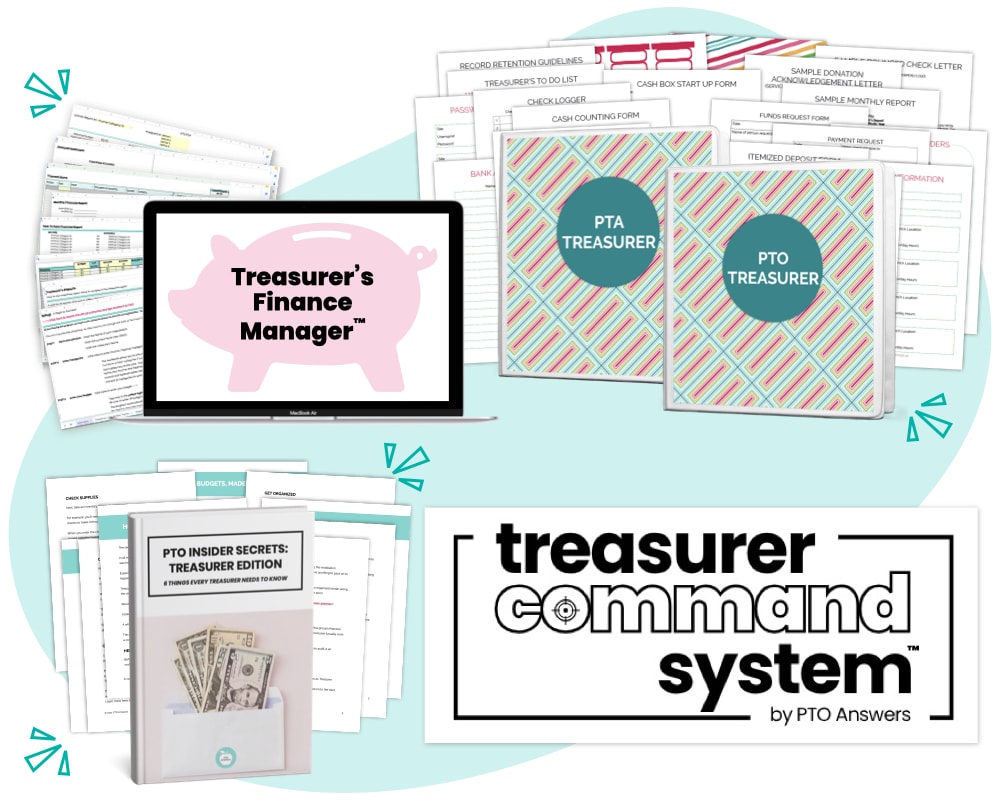
That's the Treasurer Command System... everything you need to run your PTA, PTO, or booster club Treasurer role with total confidence.
Pick your starting point
Printable Planner & Templates ($49)
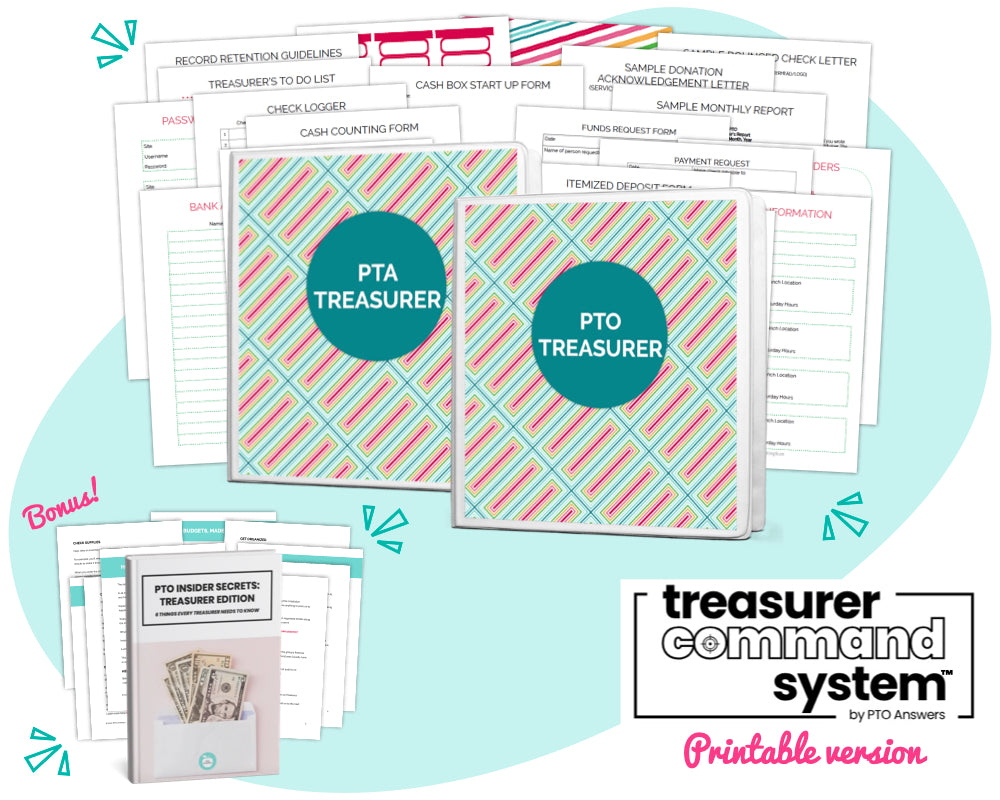
Your instant-download binder kit: monthly guidance, forms, planner pages, letter templates, and setup directions. Over 50 pages of resources.
Editable Form Templates ($79)
Everything in the printable version, plus fully editable forms and templates you can customize in Google Docs or Word.
Complete Treasurer Command System ($178, best value)
The printable and editable versions, plus the Treasurer's Finance Manager and a bonus guide.
What's inside
The Planner & Templates
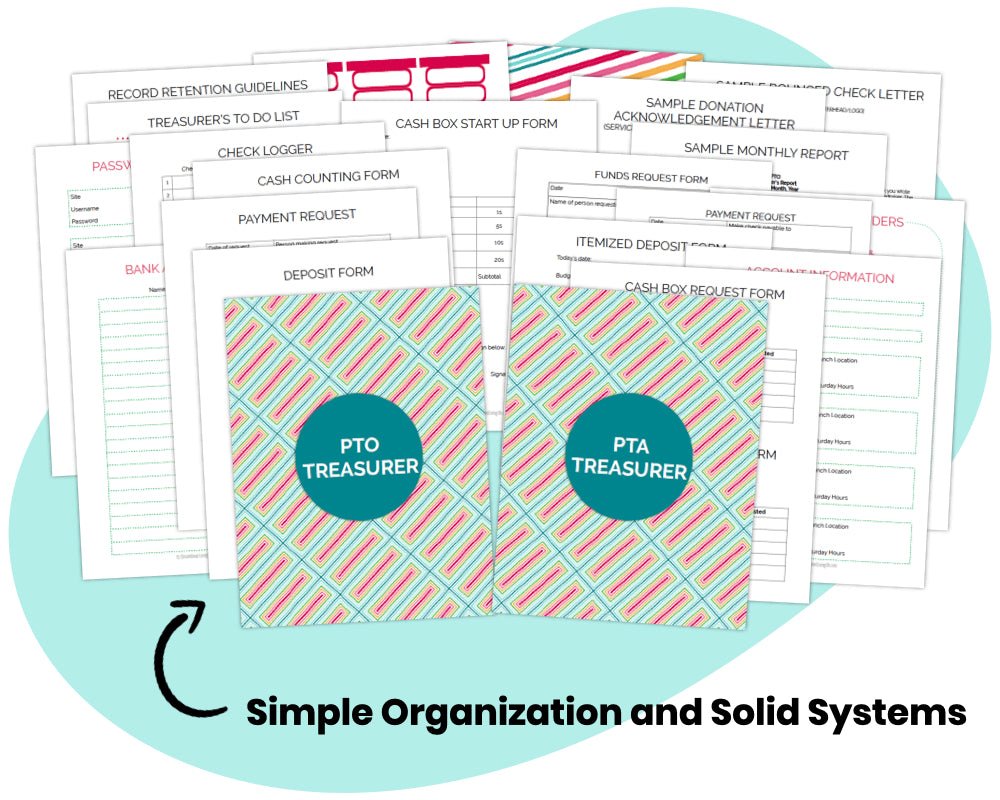
- Monthly reminders and record retention guidelines, so you know what to do and when
- Ready-to-use forms for deposits, member reimbursements, and vendor payments
- A monthly report template and pre-worded letters for bounced checks, donations, and more
- Covers, spine labels, and divider pages for your binder
- Setup instructions that get you organized in about 30 minutes
The Treasurer's Finance Manager (Google Sheets)
- Budget tracker with up to 50 income and 50 expense categories
- Transaction register for up to three accounts, with reconciliation and receipt tracking
- Monthly Treasurer's Reports that build themselves (pick your dates, and done)
- Year-end statements, no cutting and pasting
- No software fees, and you can reuse it every year
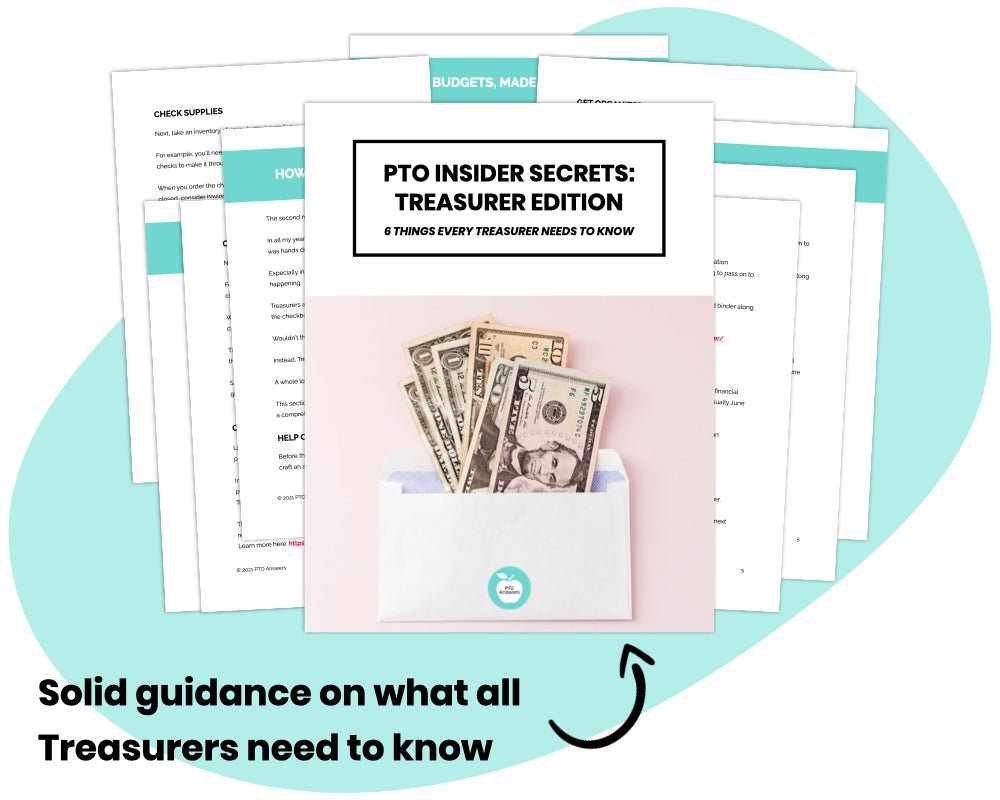
Bonus Guide (40 pages)
First steps, budgets made simple, report basics, and systems for staying organized, so you can skip the mistakes most new treasurers make.
Not techy? No problem.
If you can fill in a spreadsheet cell, you can run this. There's a short setup video, and you don't write a single formula.
A note from me
I'm Christina, PTO Volunteer Nerd. I spent 15+ years as a PTA volunteer (five as President), and I'm a recovering litigation attorney and Professional Organizer.
I've been the one holding the folder. So I built the system I wish somebody had handed me.
What treasurers are saying
"This has completely changed treasury for me and makes me feel much more secure." Amanda
"Amazing templates that were a huge asset!" Monica
"Excellent! this will be very helpful and is so much more user friendly for keeping treasurer records than Quickbooks." Aundrea
"Great spreadsheet, easy to figure out/adapt. Really helpful" Jason
"I am enjoying the finance manager spreadsheet as treasurer of out PTO! It is more user friendly than what we had previously, and I love that it is a one time cost." Joy
"Love the program... and the Treasurer's report template! It really has helped the meetings and the Treasurer's duties easier to understand and less overwhelming. Thank you for that!" Morgan
"This finance manager spreadsheet is amazing! We will be using this for our upcoming school year and I can already tell from the ease of setting it up it is going to be a huge help to keep track of our PTO's finances - both budget and actuals!" Melanie



Frequently Asked Questions
Will I get a printed copy?
For printable resources, nothing will be mailed to you as this resource is a digital download. Within about an hour of your purchase, you'll get an email with a download link.
Learn more here: How to download and print our resources
Can I edit or customize the printable version?
The printable version of the kit isn’t editable (no moving around columns, changing colors or graphics, etc.).
Some fields can be customized with your preferred wording using Adobe Reader if you have a PC (usually preinstalled), or Apple Preview if you have a Mac.
Use Google Sheets for the Treasurer's Finance Manager.
How do I customize the editable version?
Use Adobe Reader if you have a PC (usually preinstalled), or Apple Preview if you have a Mac, to customize the fields before printing.
Use Google Docs, Word or Pages to customize the planner templates.
Use Google Sheets for the Treasurer's Finance Manager.
Are refunds available?
Due to the digital nature of the resources and that they can't be returned, refunds are not offered. Please reach out with questions before purchasing this item.
Can I pay by check?
Yep! Learn more here.